



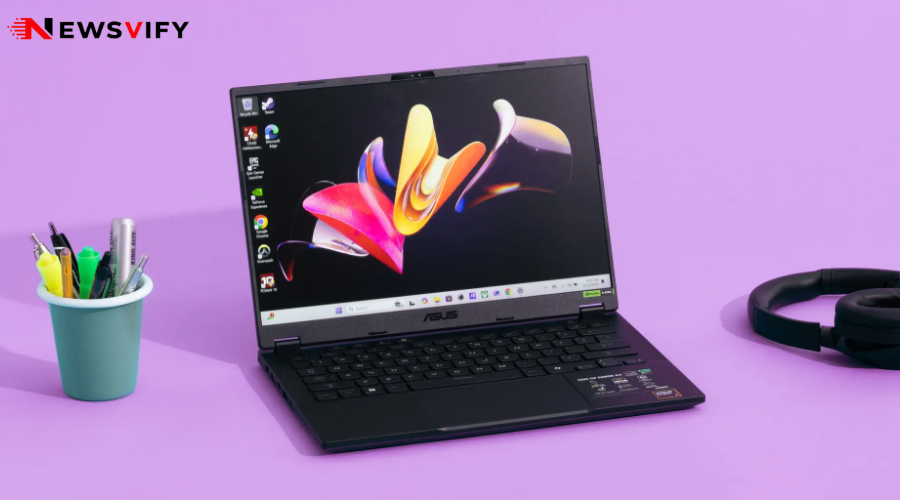
Laptop shopping has gotten more confusing, not less, as specs multiply and every brand claims to make the best laptop 2026 has to offer. Before comparing individual models, it helps to get clear on what actually matters for how you’ll use it — because the best laptop for gaming looks nothing like the best laptop for writing emails and browsing the web.
How to Choose a Laptop Without Getting Lost in Specs
Most guides on how to choose a laptop throw every spec at you at once. In reality, three factors do most of the work in narrowing down the right pick.
- Match the processor and RAM to your actual workload — 8GB of RAM is fine for browsing and documents, but creative or multitasking-heavy use benefits from 16GB or more.
- Battery life matters more than raw specs for most people — a slightly less powerful laptop that lasts all day often beats a powerful one you have to keep near an outlet.
- Storage type beats storage size — a smaller SSD will outperform a larger traditional hard drive in almost every real-world scenario.
- Screen size is a trade-off, not just a preference — larger screens improve visibility but add weight and reduce battery life.
|
Use Case |
Priority Specs |
Typical Price Range |
|---|---|---|
| Everyday browsing & documents | 8GB RAM, SSD storage, long battery life | $400 – $700 |
| Remote work / office tasks | 16GB RAM, solid webcam, good keyboard | $700 – $1,200 |
| Creative work (photo/video) | Dedicated GPU, high-res display, 16GB+ RAM | $1,200 – $2,500 |
| Gaming | Dedicated GPU, high refresh-rate display | $1,000 – $2,500 |
Best Gaming Laptop Picks by Priority
Shopping for the best gaming laptop comes with its own separate checklist, since gaming performance depends heavily on the graphics card rather than the processor alone.
- Prioritize the GPU over the CPU — for gaming specifically, the graphics card has a bigger impact on frame rates than the processor.
- Look for a high refresh-rate display (144Hz or higher) if you play fast-paced or competitive games.
- Factor in cooling design, not just internal specs — poorly cooled gaming laptops throttle performance during long sessions.
- Check battery life separately from gaming performance, since most gaming laptops drain quickly under load regardless of their rated battery life.
Finding a Genuinely Good Cheap Laptop
Not every laptop purchase needs top-tier specs, and a well-chosen cheap laptop can comfortably handle everyday tasks without the premium price tag.
- Refurbished or last-generation models from reputable retailers often deliver near-flagship performance at a steep discount.
- Chromebooks are worth considering for a genuinely cheap laptop if your work is largely browser-based.
- Check the warranty and return policy carefully on budget models, since build quality varies more at lower price points.
- Avoid the lowest RAM tier even on a cheap laptop — 8GB is a reasonable minimum for a smooth day-to-day experience in 2026.
Setting Up a New Laptop the Right Way
Once you’ve settled on the best laptop 2026 has to offer for your needs, a few setup steps matter as much as the hardware itself. Connecting to public Wi-Fi at a coffee shop or airport is far safer with a solid VPN for USA running in the background, and pairing a new machine with an AI assistant like the one covered in our Grok 3 review can speed up everything from research to writing from day one.
If gaming performance was the deciding factor in your purchase, it’s worth checking our list of the best free PC games to put a new gaming laptop through its paces without spending anything extra.
Conclusion
There’s no single best laptop 2026 has to offer for every buyer — the right pick depends on matching specs to how you’ll actually use the machine, whether that’s a battery-friendly option for everyday tasks, a genuinely capable cheap laptop, or a dedicated GPU for one of the best gaming laptop picks on the market. Get clear on your priorities first, and the spec sheet gets a lot less overwhelming.




