

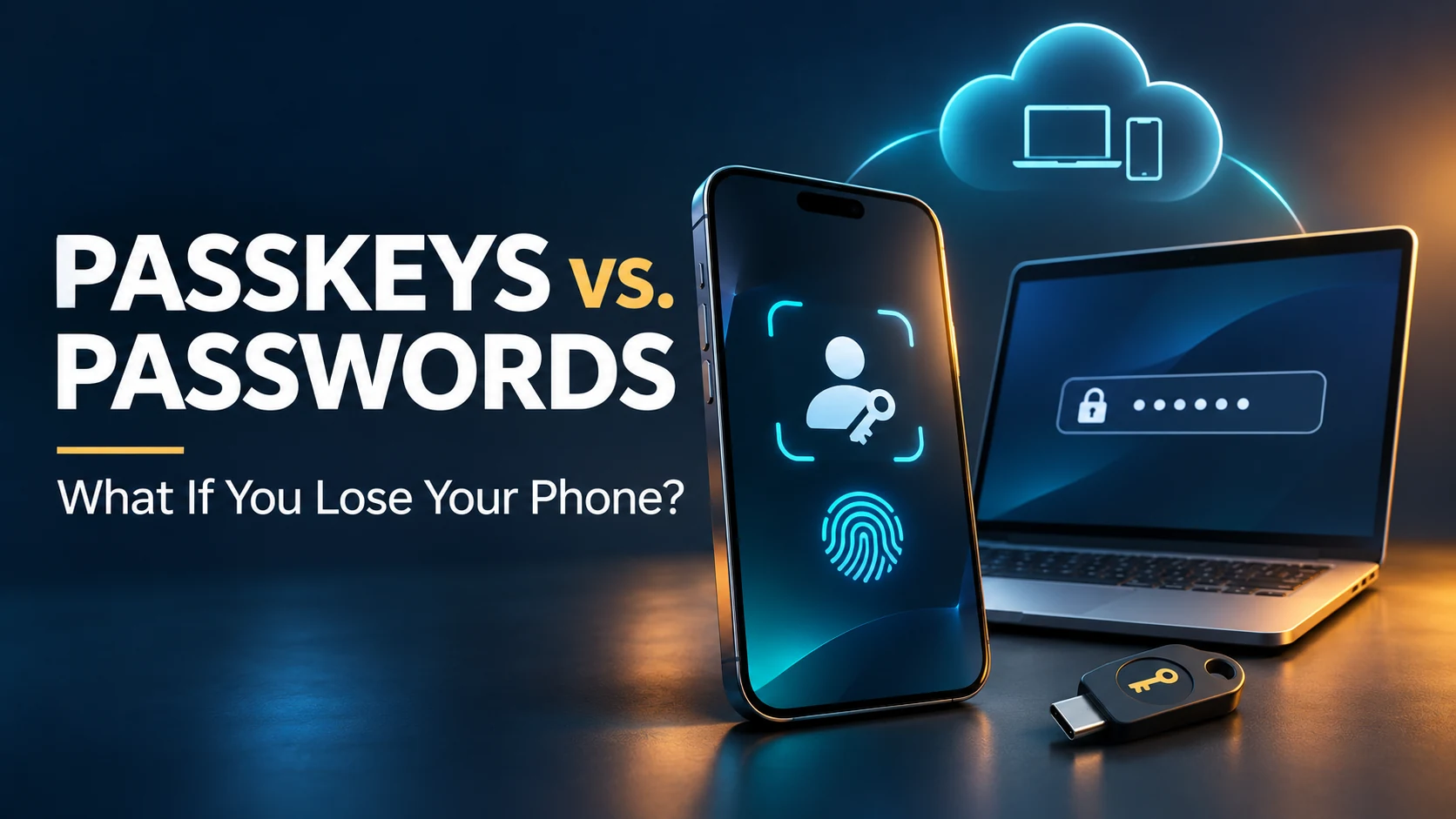
Losing your phone does not automatically mean losing your passkeys. If they were synced through a password manager, another supported device may still have them. A replacement device may also regain access after you satisfy the provider’s sign-in and recovery requirements. If a passkey existed only on the missing device, you need another registered sign-in method or the website’s account-recovery process. [1][2]
A password is not a guaranteed escape route, either. If your missing phone holds your only verification method, knowing the password may not be enough. The practical question is, what can you still access without that phone? [3]
Lost Your Phone? Start With What You Can Still Access
Before attempting a reset, identify your available sign-in options. FIDO’s guidance distinguishes recovering access through a synced provider from using a separate credential already registered with the website. [1][2]
| What you still have | What to try | Main limitation |
| Another device with the synced passkey | Sign in using that device and its supported password manager. | The passkey must actually be available there. |
| A separately registered passkey or security key | Choose that credential during sign-in. | An unregistered spare key cannot unlock the account. |
| A supported alternative sign-in method | Use the service’s alternative sign-in option. | You may still need another verification step. |
| Access to your passkey provider’s recovery process | Follow its instructions to restore access on a supported device. | Account access alone may not satisfy encrypted-data recovery requirements. |
| None of these | Start the affected website’s official account-recovery process. | Recovery is not guaranteed. |
Passkeys vs. Passwords: What Actually Changes?
A password is a secret you supply to a service. A passkey uses a cryptographic key pair: the service keeps the public key, while your device or credential provider protects the private key. Your fingerprint, face, or PIN authorizes use of that credential. Apple describes passkeys as phishing-resistant because they avoid the reusable shared secret used in password sign-ins. [4]
| Question | Password | Passkey |
| What do you use to sign in? | A secret, entered manually or filled by a password manager. | A cryptographic credential, authorized through a supported device or security key. |
| Can a fake sign-in page capture it? | A deceptive page can collect a password you enter. | Passkeys are designed to resist this form of phishing. |
| What happens after losing a phone? | You need the password and any required second factor. | You need an available passkey, provider recovery, or another supported sign-in route. |
| Is recovery automatic? | No. | No; storage and recovery settings matter. |
Passkeys improve sign-in security, but they do not remove the need to plan for lost devices. [2][4]
Where Your Passkey Is Stored Determines Your Next Step
Synced Passkeys
A synced passkey can be available through the same provider on multiple supported devices. Losing one device therefore does not necessarily destroy your access. However, losing access to the provider itself can create a separate recovery problem. [2]
Think of two separate gates: signing in to the provider account, then meeting its requirements to unlock the encrypted passkeys. Do not assume that remembering an account password clears both gates. [4][5]
Device-Bound Passkeys and Security Keys
A device-bound passkey stays with its authenticator. If that authenticator is lost, you cannot assume a cloud account contains a recoverable copy. Another passkey registered with the same website can provide a separate route back in. [2]
Microsoft explicitly distinguishes saving a passkey in a synced credential manager from saving it locally with Windows Hello or on a physical security key. A passkey on a laptop may remain usable when your phone is lost, provided that credential is registered with the account. Work or school accounts may restrict the available methods. [6]
How Recovery Works on iPhone and Android
Apple iCloud Keychain
Apple says iCloud Keychain synchronizes passkeys across approved devices and protects them with end-to-end encryption. Another approved device may provide continued access. If every device is lost, keychain recovery has additional verification requirements; Apple documents account authentication, a trusted phone number, and a device passcode for its escrow recovery route. It also describes an optional recovery contact. [4]
Being able to sign in to your Apple Account and being able to recover your keychain are related but separate steps. Follow the recovery prompts for your situation. [4]
Google Password Manager
Google says passkeys saved in Google Password Manager are backed up and synced through your Google Account. On a supported device, accessing existing passkeys can require your Google Password Manager PIN or an Android screen-lock PIN. [5]
If the Google Account itself is inaccessible, use its recovery or alternative verification options. Google lists previously configured options such as another signed-in phone, backup codes, a security key, or a passkey on another device. Those options must already be available to you. [3]
What If You Switch Between iPhone and Android?
Check your passkey provider’s support for the new device before assuming the credentials will appear. FIDO explains that a compatible cross-platform provider can make passkeys available after setup. If the old provider is unavailable, you may need another registered credential or the website’s recovery process. [1]
What to Do if the Phone Was Stolen
Protecting the missing phone and regaining account access are separate tasks. Work from a device you trust.
- Use the platform’s lost-device controls. Apple recommends marking a stolen iPhone as lost. Google’s Find Hub supports locating, securing, or erasing eligible Android devices, subject to connectivity and setup requirements. [7][8]
- Use an available backup sign-in route. For a Google Account, this may include a previously saved backup code or another registered credential. [3]
- Review the affected account’s security settings. Google advises signing out of the missing phone, changing the Google Account password, and removing the passkey associated with the lost device. Follow each provider’s instructions rather than assuming one action secures every account. [3]
- Distinguish device removal from credential removal. A local password-manager entry, a website’s registered passkey, and an active session are different things. Read the service’s instructions before deleting a synced credential you still need. [2][3][5]
- Consider remote erasure carefully. Google warns that an Android factory reset permanently deletes device data and makes the device unavailable in Find Hub. [8]
Prepare a Backup Before You Need It
Build a recovery route that does not depend entirely on the phone you might lose. FIDO recommends alternative authentication or recovery methods even for accounts using synced passkeys. [2]
- Identify your storage provider. Check where each important passkey was saved.
- Test another supported device. Confirm that you can actually sign in, rather than assuming synchronization worked.
- Register a separate credential where supported. A spare security key only helps if the website already recognizes it.
- Configure provider recovery. Review the recovery settings for the account holding your passkeys.
- Keep supported recovery codes separately. Your only copy should not be on the phone they are meant to replace.
- Check critical accounts individually. Your email provider, employer, and other services may have different recovery rules.
For broader protection of files and devices, see our guide to better backups and cloud storage. File backups complement account-recovery planning; they do not automatically restore a device-bound passkey.
Related Articles
- iPhone vs. Android: Choosing Your Next Phone — Broader ecosystem considerations when replacing a phone.
Frequently Asked Questions
Is My Fingerprint the Passkey?
No. Your fingerprint authorizes use of a cryptographic credential. Apple explains that the private key performs authentication; Face ID or Touch ID can authorize its use. [4]
Does a Replacement SIM Restore My Passkeys?
No. Restoring your phone number may help with a supported verification step, but it does not itself restore the passkeys. You still need the provider’s recovery requirements or another sign-in route. [3][4]
Can I Still Use My Password After Creating a Passkey?
That depends on the service and your account settings. Google documents a “Try another way” option for returning to earlier sign-in choices. Do not assume every website retains password access or that a password bypasses two-factor authentication. [3]
Can a QR Code Help if My Phone Is Missing?
A QR-code sign-in requires an accessible device holding a usable passkey. It lets that device authenticate a sign-in on another device; it cannot retrieve a credential from a missing phone. [1]
Sources and References
[1] FIDO Alliance. “Passkeys.” Undated. Accessed November 11, 2026. https://fidoalliance.org/passkeys-2/
[2] FIDO Alliance. “Synced Passkey Deployment: Emerging Practices for Consumer Use Cases.” January 2024, as printed in the document. https://fidoalliance.org/wp-content/uploads/2024/05/Synced-Passkey-Deployment_-Emerging-Practices-for-Consumer-Use-Cases_2024-Final.pdf
[3] Google Account Help. “Fix common issues with 2-Step Verification.” Undated. Accessed November 11, 2026. https://support.google.com/accounts/answer/185834?hl=en
[4] Apple Support. “About the security of passkeys.” September 16, 2024. https://support.apple.com/en-us/102195
[5] Google Chrome Help. “Manage passkeys in Chrome.” Undated. Accessed November 11, 2026. https://support.google.com/chrome/answer/13168025?hl=en
[6] Microsoft Support. “Create and save a passkey.” Undated. Accessed November 11, 2026. https://support.microsoft.com/en-us/accounts-billing/security/create-save-passkey
[7] Apple Support. “If your iPhone or iPad has been stolen.” Undated in the accessible search extract. Search extract accessed November 11, 2026; full-page access unavailable. https://support.apple.com/en-in/120837
[8] Google Android Help. “Find, secure, or erase a lost Android device.” Undated. Accessed November 11, 2026. https://support.google.com/android/answer/6160491?hl=en


